Live Example
Restaurant Menu Board
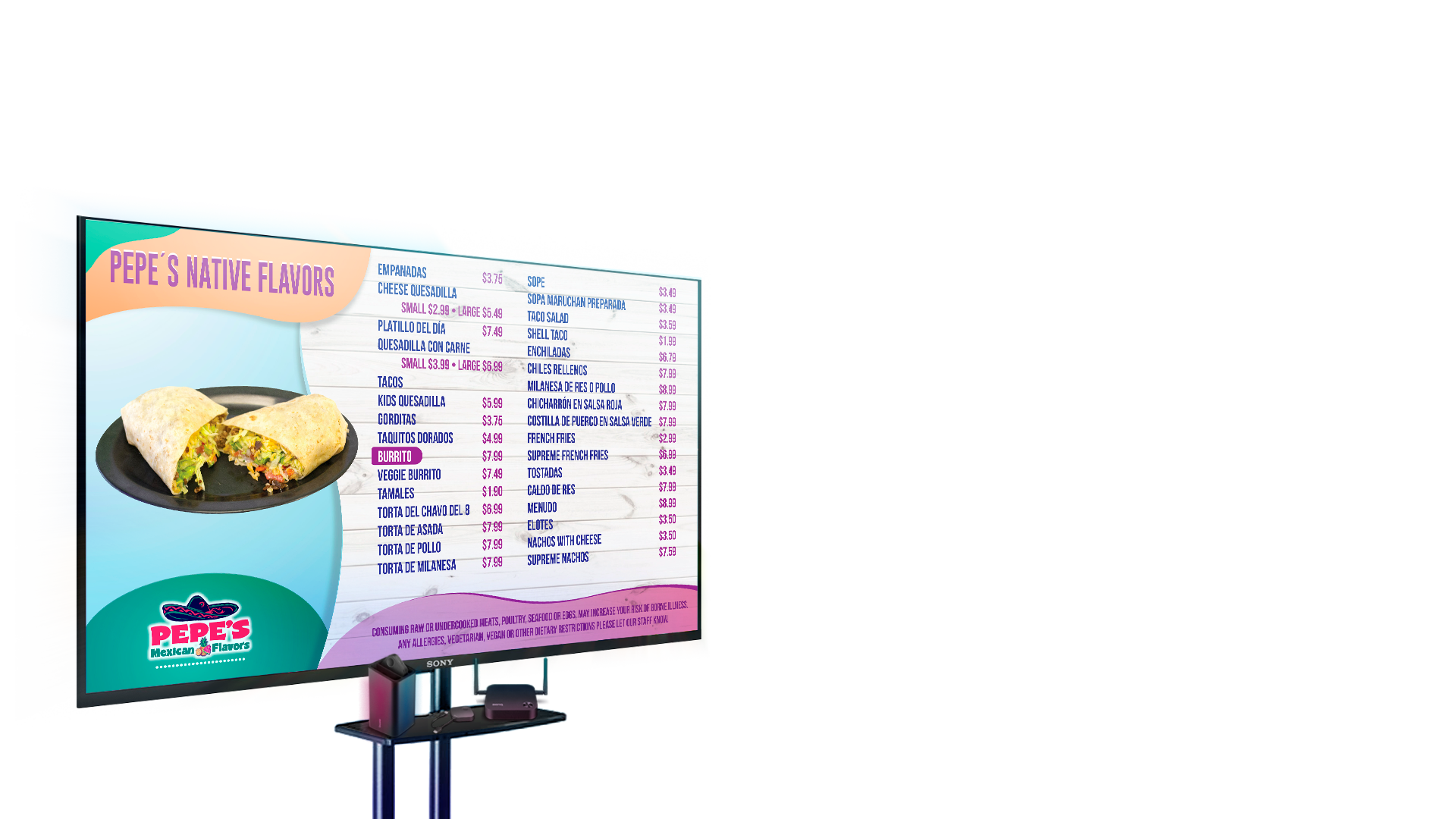

Digital Menu Boards · Video Walls · Signage
A digital signage service developed by La Vanguardia LLC.
Loading plan details for this site.
Video Walls
Use the system for restaurant walls, retail promotion strips, event backdrops, church stages, lobby features, or synchronized campaign screens. Set rows, columns, orientation, and screen resolution, and the platform calculates the full canvas automatically.
Single Screen
Run the same platform on one screen when you only need a focused message. This works well for restaurants, bakeries, retail shelves, clinics, church announcements, or front desk communication.
Rotate offers, prices, promotions, and branded campaigns from one playlist with fast content updates.
Show welcome screens, schedules, queue information, news, and service notices in one layout.
Mix product images, promo videos, seasonal content, and live streams on one display.
Multimedia
Each slide can stay simple or become a full designed composition with draggable layers, remote streams, branding, schedules, pricing, and visual zones based on the real screen layout.
Workflow
This structure keeps the system clear. A device is the physical screen setup. A playlist is the content collection. Slides are the individual scenes.
Set one screen or a video wall with rows, columns, orientation, and display resolution.
Each screen gets one unique URL and one browser claim, with optional location capture.
Create many slides with images, videos, HLS streams, widgets, and layer-based compositions.
Select the active playlist for the device and the players update to the assigned content.
Client Access
Use your email and password to manage menu boards, video walls, playlists, and slides from a single account.